Media
Purpose
Using media such as images, videos, audios or attached files helps to visualize the conversation and draws attention.
Audio Properties
The Audio component is used to make the conversation more dynamic and draw attention with the help of an audio element.
| Property | Type | Description | Required | Default value |
|---|---|---|---|---|
| src | URL or object | Defines the mimetype of audio files: 'audio/mpeg', 'audio/mp3' | Yes | - |
Image Properties
The Image component is used to display different types of images, including network images, static resources, temporary local images, and images from local disk, such as the camera roll.
| Property | Type | Description | Required | Default value |
|---|---|---|---|---|
| src | URL or object | Defines the mimetype of images: ‘image/jpeg', 'image/png' | Yes | - |
Video Properties
The Video component is used to display different types of images, including network images, static resources, temporary local images, and images from local disk, such as the camera roll.
| Property | Type | Description | Required | Default value |
|---|---|---|---|---|
| src | URL or object | Defines the mimetype of videos: 'video/mp4', 'video/quicktime' | Yes | - |
Document Properties
The Document component is used to add a document, like a PDF file.
| Property | Type | Description | Required | Default value |
|---|---|---|---|---|
| src | URL or object | Url for file. It can also be imported from assets and referenced in this prop. Ex: application/pdf | Yes | - |
Example
Output
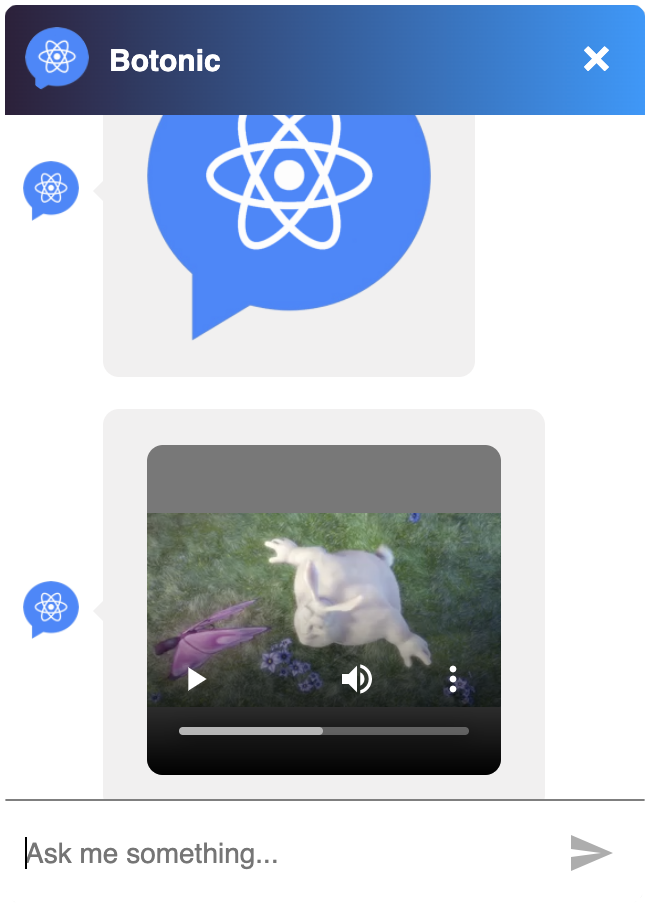
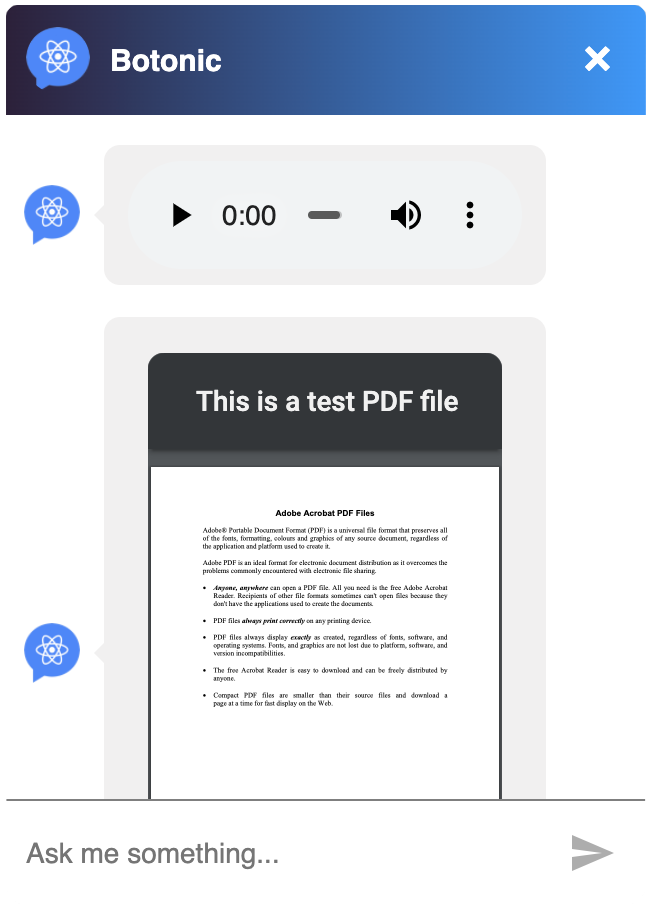
You can send all these types of media files:
<>
  <Image src='https://botonic.io/images/botonic_react_logo-p-500.png' />
  <Video src='https://www.w3schools.com/html/mov_bbb.mp4' />
  <Audio src='https://www.w3schools.com/html/horse.mp3' />
  <Document src='http://unec.edu.az/application/uploads/2014/12/pdf-sample.pdf' />
</>